current features are listed first. rows marked planned aren't built yet.
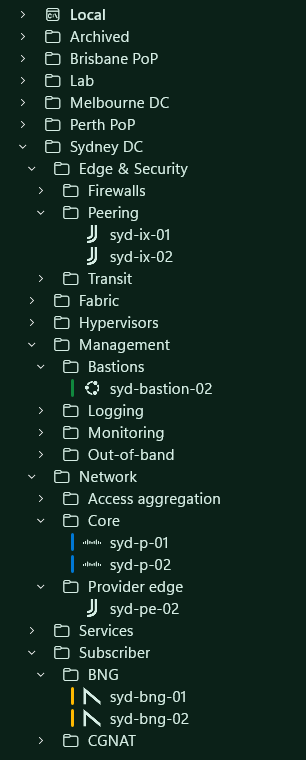
save sessions in folders, filter by name, and set terminal options for each host. choose an included icon or add your own.
- local profiles for powershell, cmd, wsl and git bash
- tab badges for claude code, codex and gemini cli
- color tags carried onto the tab accent
- nokia, juniper, cisco, arista and vyos icons, suggested from the login banner
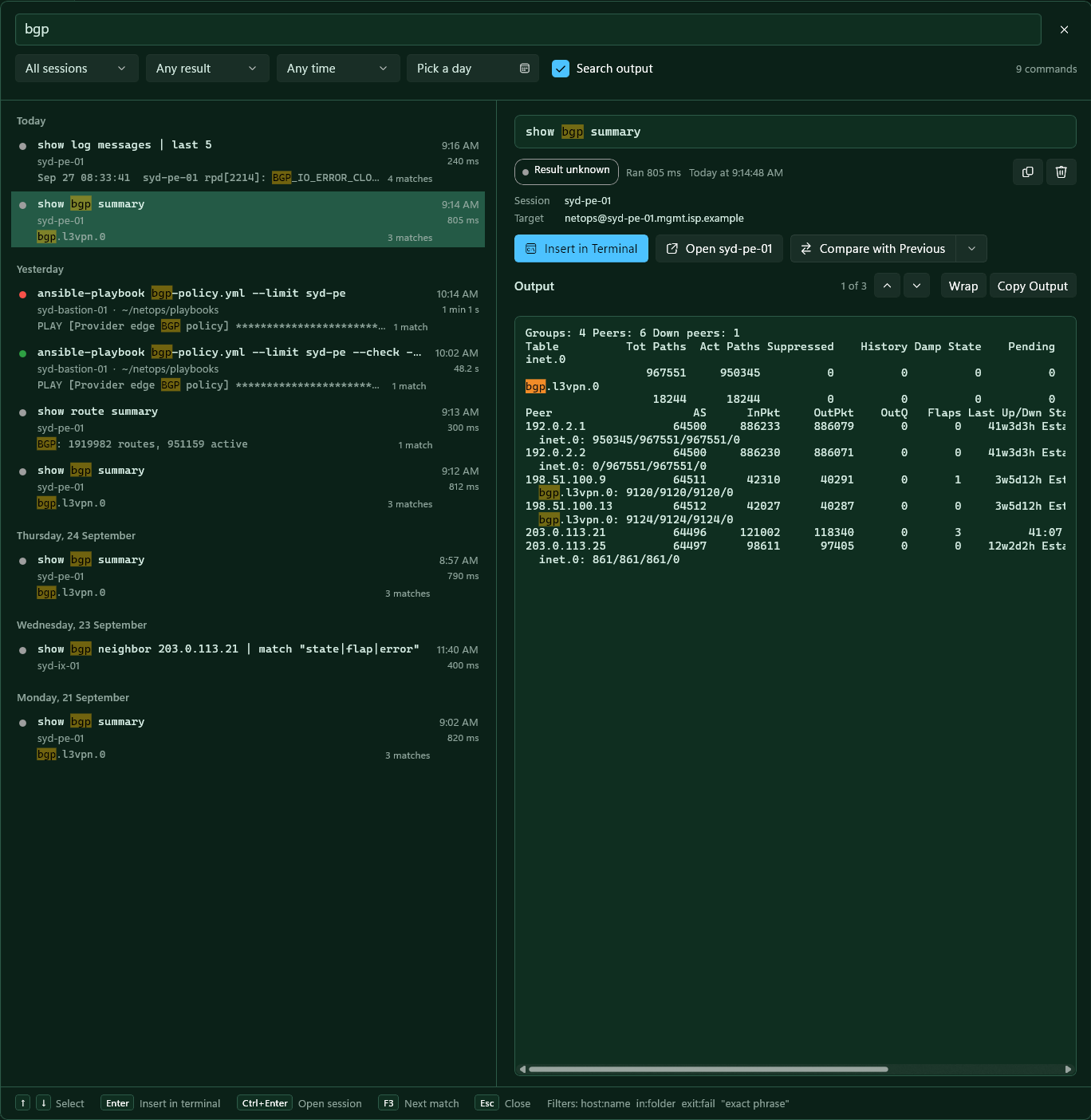
keep every finished command with its output, folder, session, time and exit result, then search it across all sessions with ctrl shift h. insert a command at the prompt or reopen the session it ran in.
- all words must match the command, session, folder or output; quote a phrase with "…"
- filters: host:web01 in:/etc exit:fail exit:127, plus session, result, time and a calendar day picker
- off by default because output can contain secrets; each session can opt out
- local only, left out of backups, 90-day retention by default, deletes overwritten on disk
- a sqlite full-text index, so history never has to fit in memory
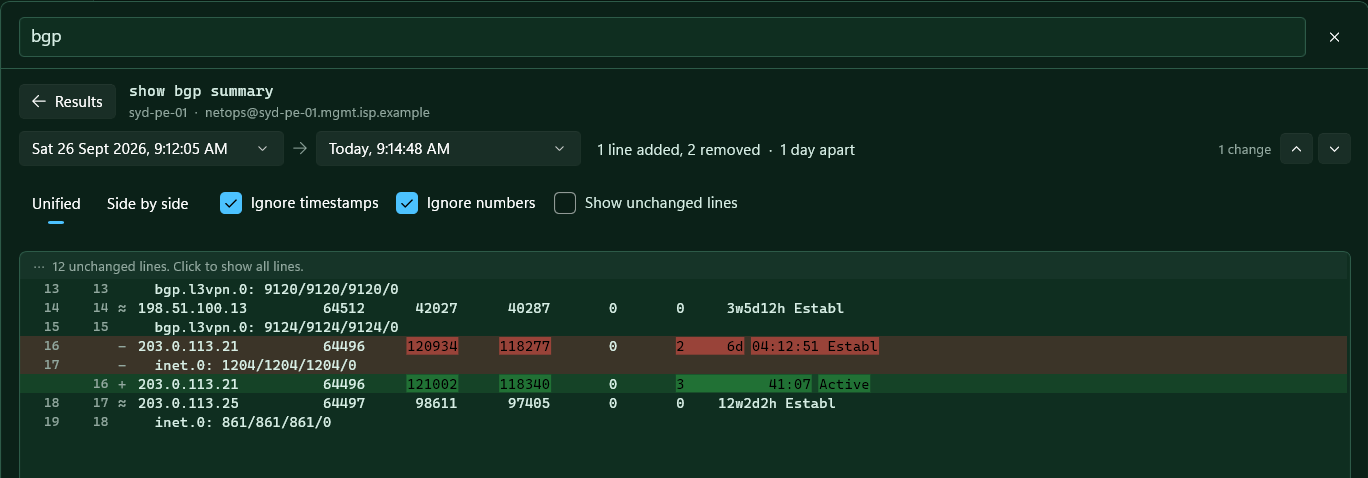
when a command has run more than once on the same host, compare with previous shows what changed: added and removed lines, with the changed words marked, unified or side by side.
- timestamps are ignored by default; ignore numbers hides counters and uptimes
- unchanged stretches fold away; f7 and shift f7 step between changes
- pick any two runs from the list of every run, each with how it differs
- paged (--More--), truncated and lost output is flagged, so a gap is never read as a change
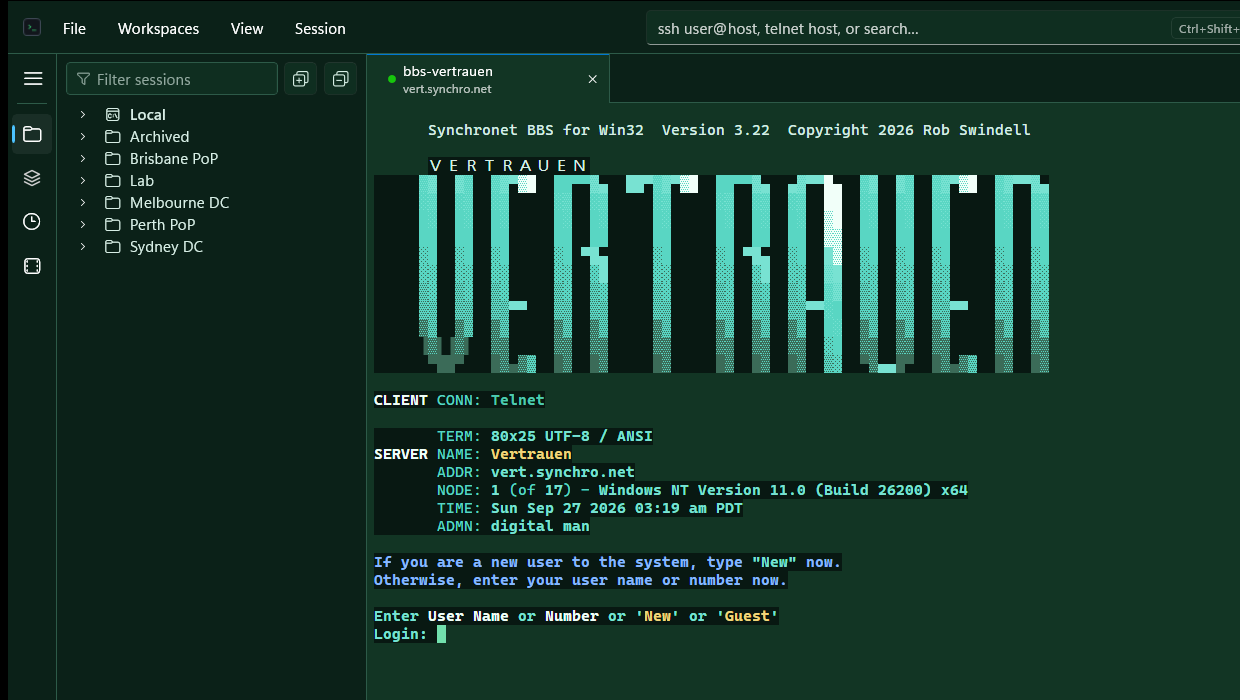
connect to console servers and lab or management devices over telnet. telnet sessions share the session list, folders, tabs, splits, highlighting and recordings with ssh.
- type telnet host 2003 in quick connect to reach a console line on a high port
- the window size follows the tab as it resizes, so htop, btop and vim fit the window
- send break (ctrl break) for boot interrupts and password recovery through a console server
- text encoding per session: automatic (utf-8, falling back to cp437 for bbs and ansi art), utf-8 or cp437; typed input is encoded to match
- report 80 × 25 to bbs servers: naws and screen-size probes get 80 × 25 while the tab keeps its real size
- telnet is not encrypted; the session editor says so, and no password is stored for it
highlight interfaces, IP and MAC addresses, link states and routing protocols. enable rules per session or write your own regular expressions.
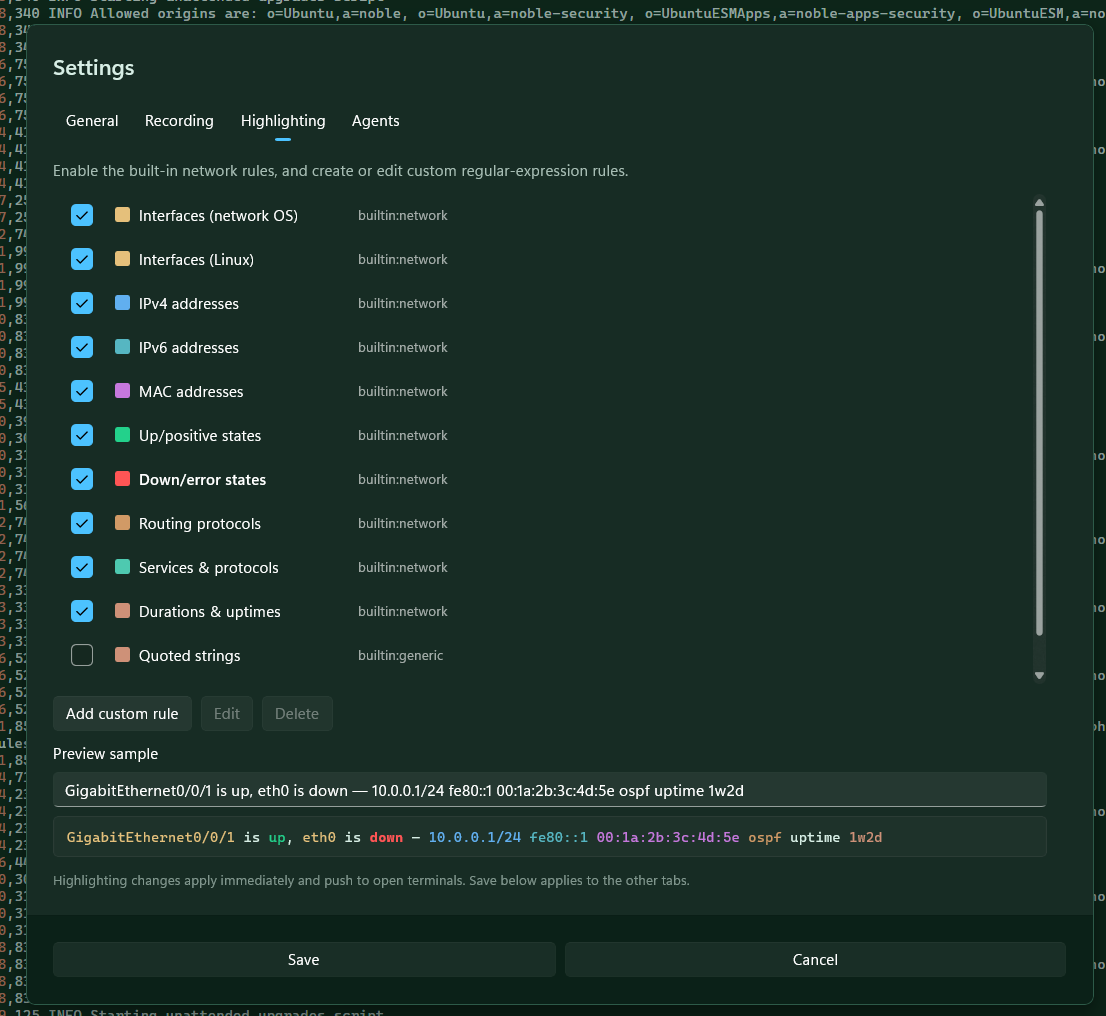
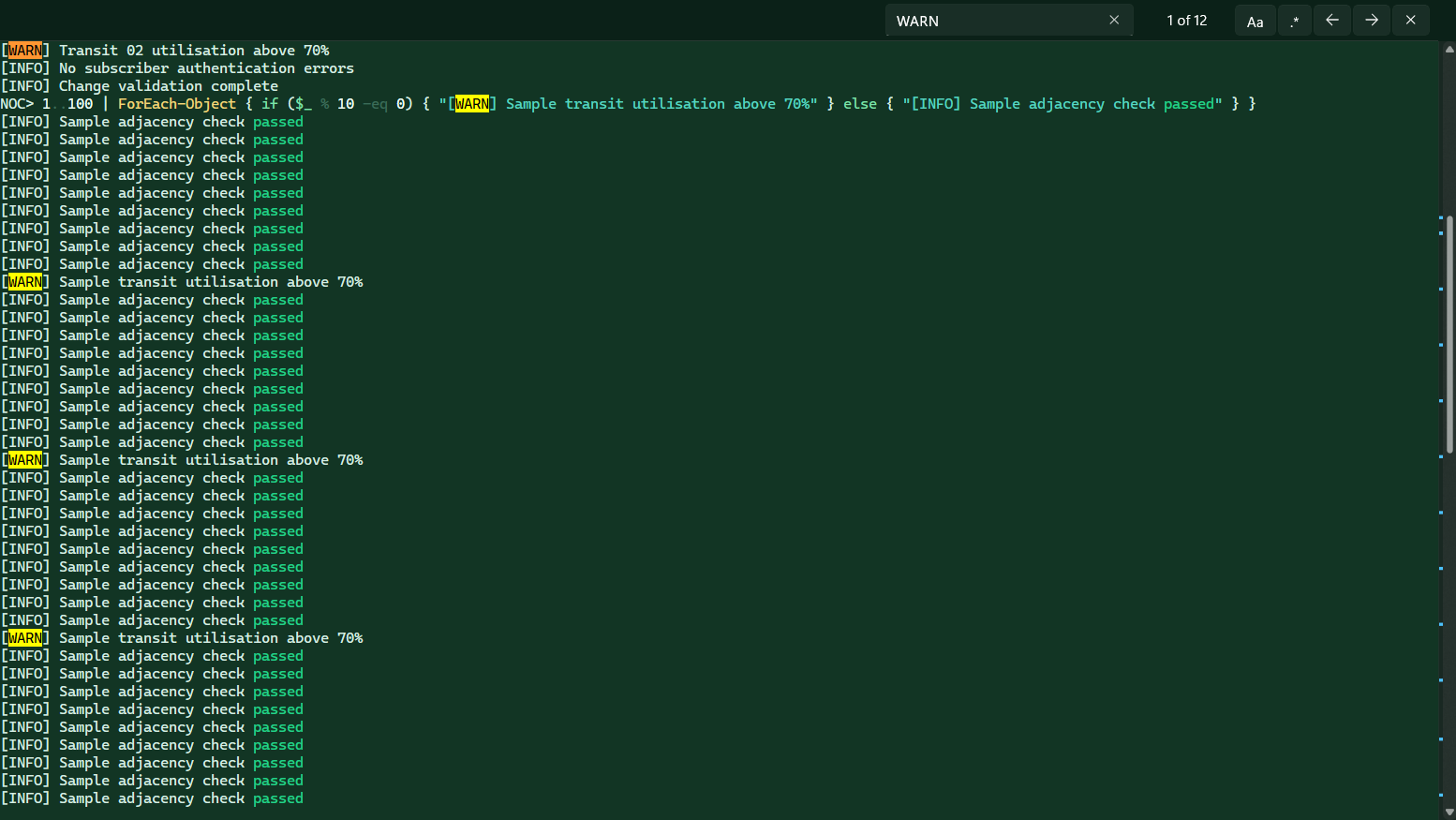
the scrollbar shows search matches, highlighted text, bookmarks and command positions. command marks can show exit status; line timestamps show when output arrived.
- command detection from shell signals and terminal input
- terminal search on ctrl shift f
- jump between commands with ctrl shift ↑ ctrl shift ↓, bookmark a line with ctrl shift m
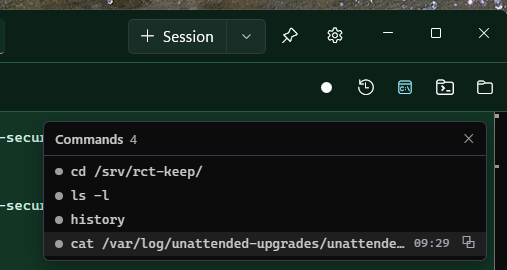
view detected commands in order, with exit status where available. select a command to find it in the terminal or copy its output.
rewind earlier output in the native terminal while the session continues. enable recording to save an asciicast file and a timestamped text log.
- .cast playback with pause, speed and seek
- text logs for searches and change records
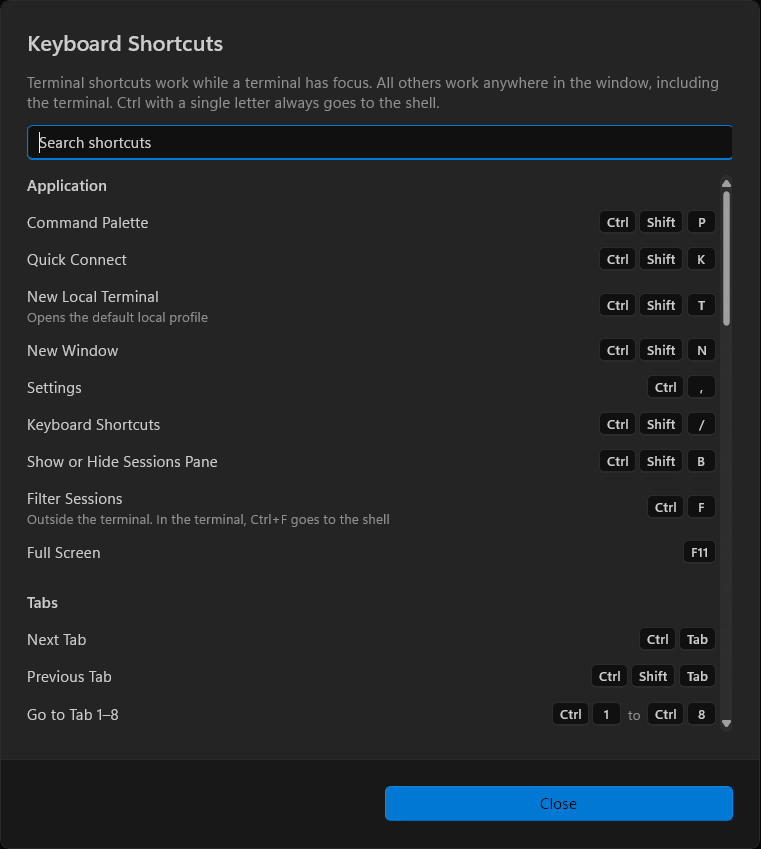
run any action from the command palette on ctrl shift p, or use a shortcut. press ctrl shift / to see and search every shortcut.
- tabs: ctrl tab, ctrl 1…ctrl 9, close, clone, reconnect and move
- panes: split right or down, and alt ← → ↑ ↓ between split groups
- terminal: per-tab zoom, select all, clear scrollback, ctrl insert and shift insert
- plain ctrl and letter keys always reach the shell, including the tmux prefix
remote shells run inside a private tmux server, so closing a tab or losing the connection detaches the shell instead of ending it. reconnect and you're back where you were.
- choose per connection: resume or ask, always start new, or end detached shells first
- the session manager lists each shell by folder and program, with end all detached
- shells open in another tab or client are never ended or resumed without asking
turn on shell integration for a session to get exact command boundaries, exit codes and the current folder. click the bell on a running command to get a windows notification when it finishes.
- bash, zsh, fish and powershell, locally and over ssh
- off by default; network cli sessions keep ordinary startup
- the notification opens the tab at that command's output
claude code, codex and gemini cli work over ssh as they do in a local terminal. tab badges show when an agent is working or waiting for you.
- osc 52: remote programs copy to the windows clipboard. it is write-only, so a host can never read your clipboard, and playback never touches it
- shift enter sends esc cr, the new-line key claude code reads; full-screen programs such as vim still get a plain enter
- unicode 11 widths match the remote wcwidth, so emoji no longer push the cursor out of step
- xtversion replies "resesh", so claude code turns on synchronized output
- colorterm=truecolor is sent with every ssh session, and the private tmux server is set up to pass rgb colour through
- osc 8 links open in your browser and show their real target on hover
programs that report progress with osc 9;4, the same sequence windows terminal reads, show a thin bar under the tab and on the taskbar button. file-pane transfers use the same bar.
- normal, error, paused and indeterminate states
- clears itself when the command ends, even if the program forgets
save pane sizes, tab order, pinned tabs and the active tab. open a workspace on its own or add it to the current layout.
- restore the last layout on startup
- keep workspace session references when importing backups
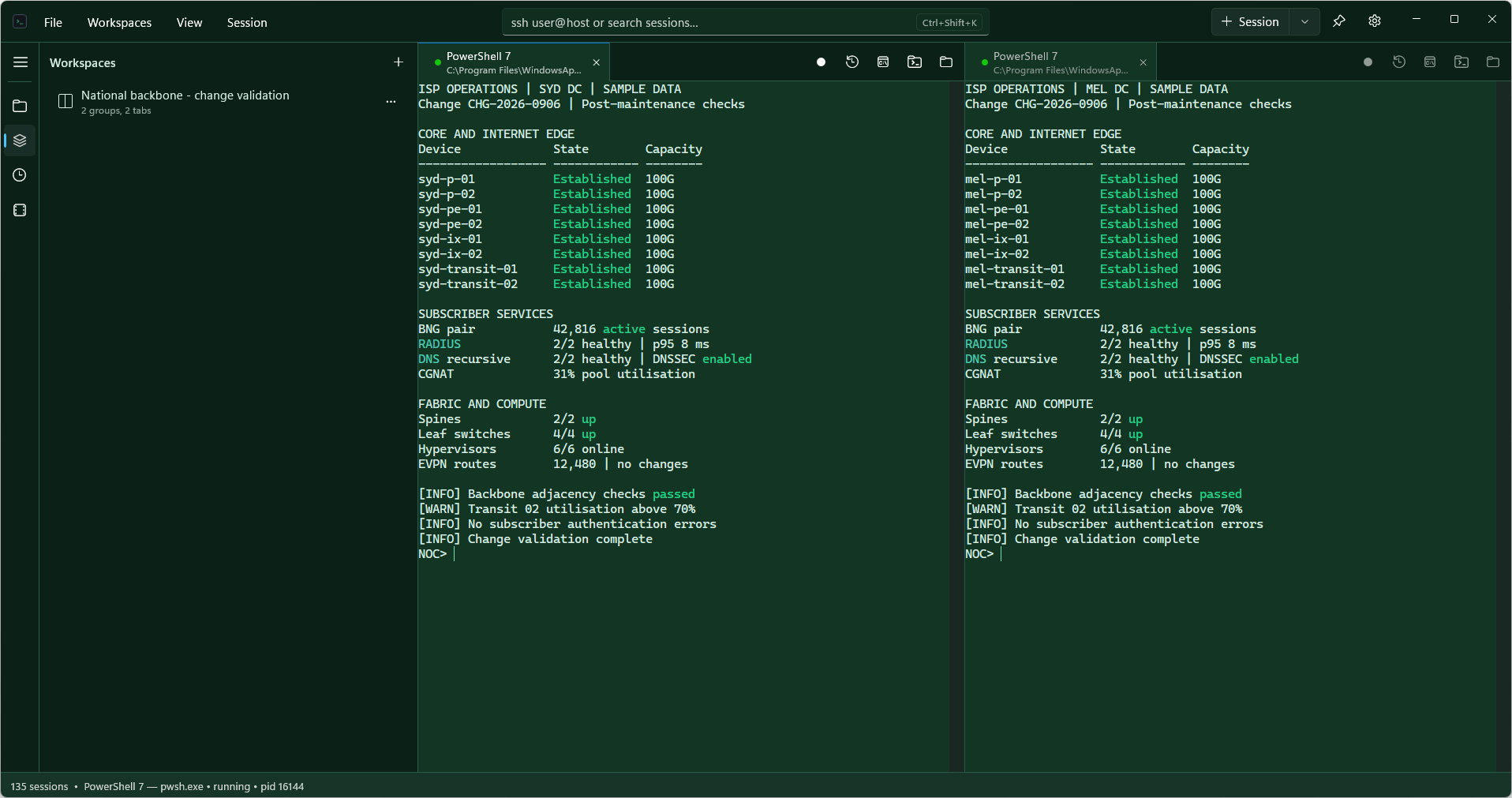
browse local files and transfer remote files over SFTP. the file pane can follow the terminal folder when resesh can detect it.
- open local folders straight in explorer
- remote folders through sshfs-win when it's installed
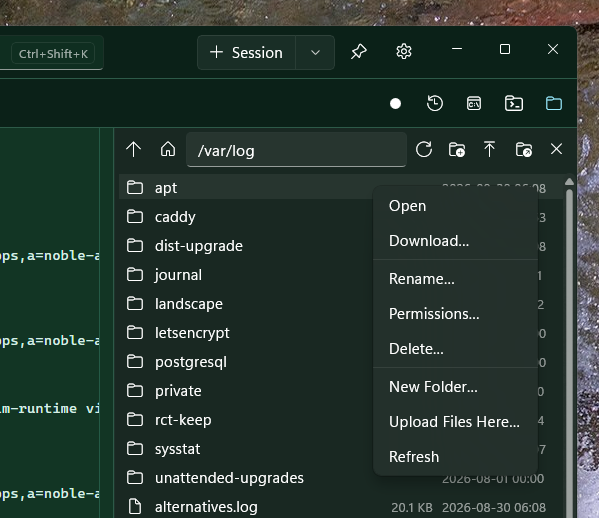
name and reuse private-key references across sessions. view fingerprints and update the path if a key file moves. passwords and passphrases are stored in windows credential manager.
- explicit keyboard-interactive prompts
- review changed host keys before accepting them
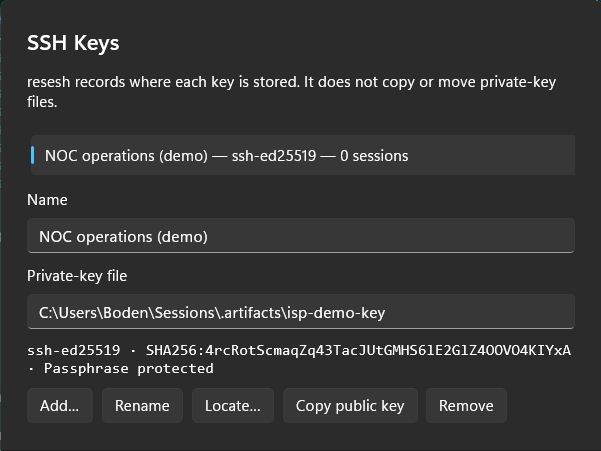
export a .reseshbackup archive and merge it into another installation. passwords and passphrases are excluded by default. including them requires an encrypted backup.
- review sessions before importing them
- keep a previous copy of saved data
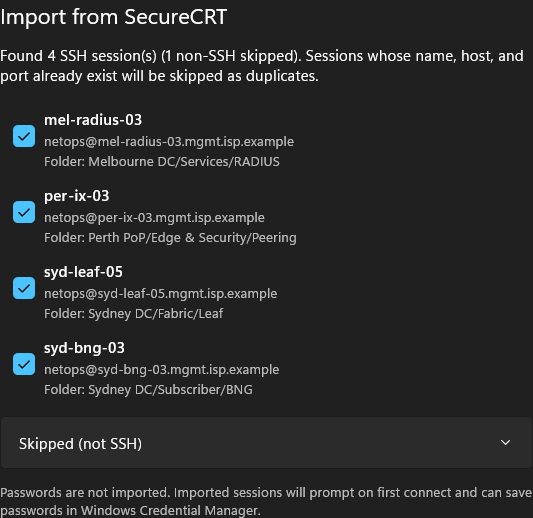
choose a light or dark theme for the app and terminals. use a different terminal theme for each session.
- included themes such as dracula, nord, tokyo night and catppuccin mocha
- preview theme changes in settings; save to keep them or cancel to restore the previous theme
use an existing windows domain ticket for SSH authentication. support is still under investigation.
planned support for local, remote and SOCKS tunnels, SSH agent authentication, and connections through jump hosts.
planned serial connections for console cables. settings will include baud rate, parity and flow control, and send break will work over serial too.
saved command snippets, mremoteng import, and automatic reconnect with tmux reattach. priorities may change.