is it free?
yes. the source code is available on github.
where is my session data stored?
saved sessions and recordings are stored locally. resesh does not require a cloud account.
does command history keep passwords i type?
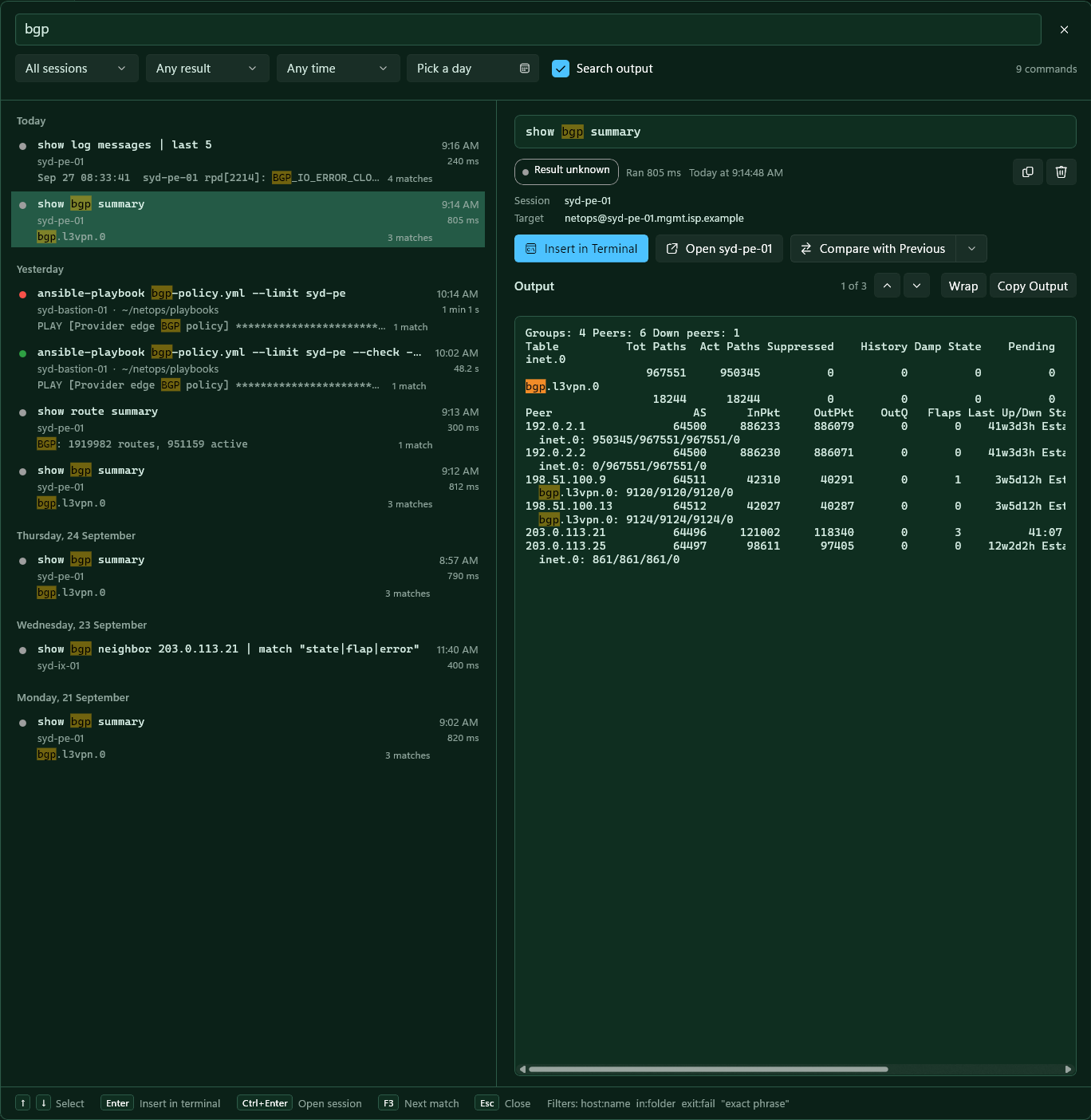
output can contain secrets, so history is off until you turn it on, and each session can opt out. it stays on this pc, is left out of backups, and deleted entries are overwritten on disk. entries older than 90 days are removed by default.
where are credentials kept?
in the windows credential store, encrypted per user. resesh never writes a password to its own config files.
which protocols are supported?
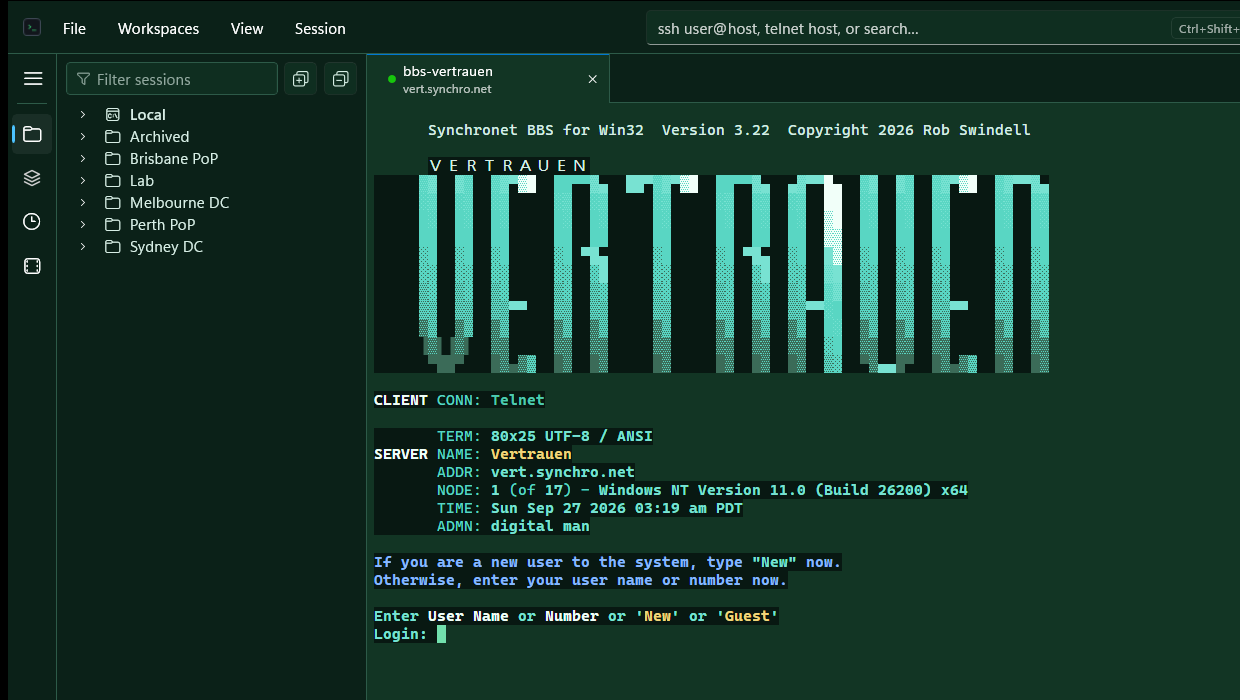
ssh, telnet and local shells. serial support is planned.
does it work with claude code, codex or gemini cli?
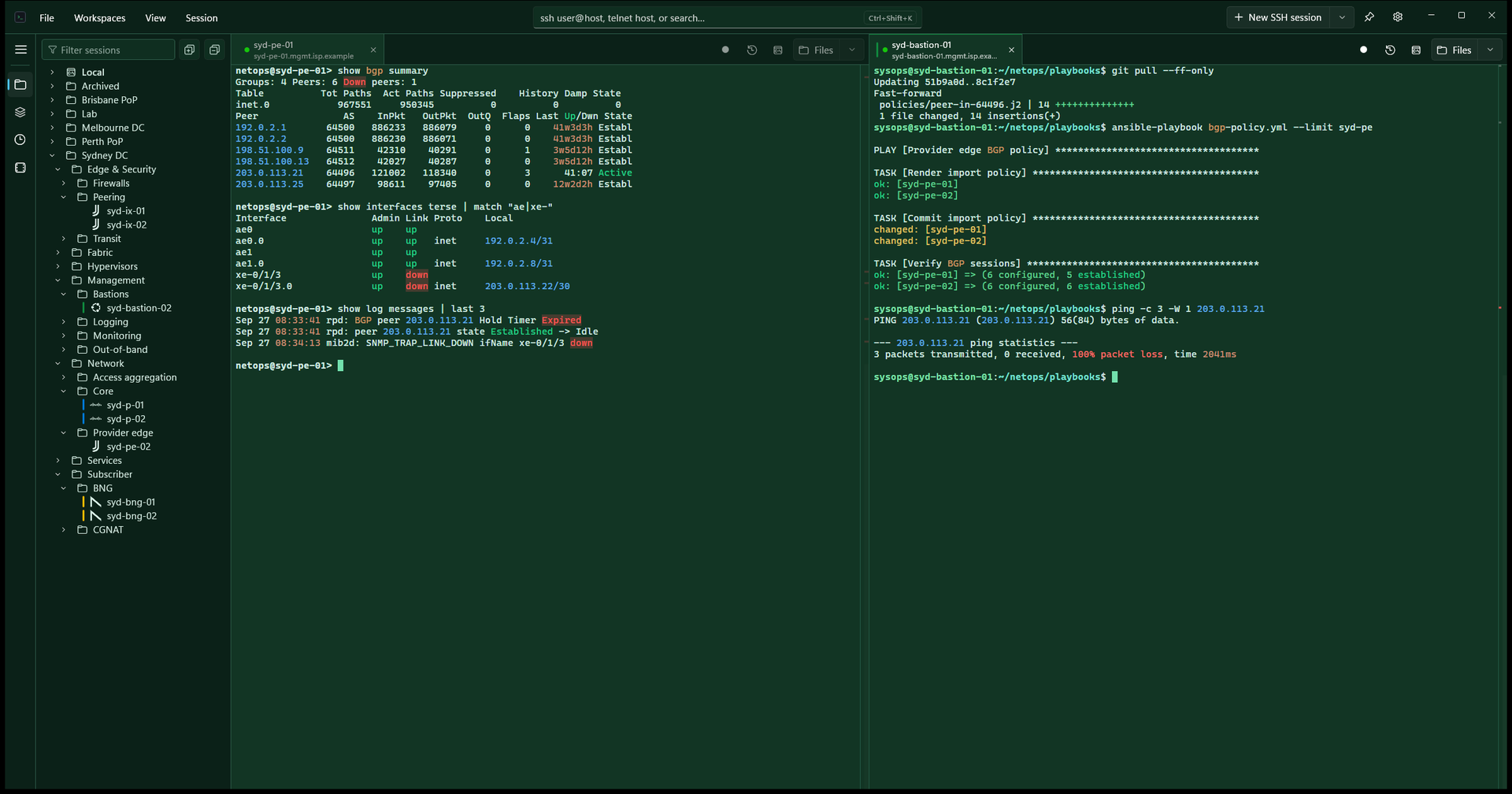
yes, locally and over ssh. tabs show when an agent is working or needs you, remote copies reach the windows clipboard, and shift enter inserts a new line.
what are the keyboard shortcuts?
press ctrl shift / in the app for the full list, or open the command palette with ctrl shift p. shortcuts never take plain ctrl and letter keys from the shell.
mac or linux?
resesh currently runs on windows only.